
-
Content
Have you ever had a moment where taking a payment would’ve been easier anywhere other than your counter—but you couldn’t? Maybe your POS device is old, wired, and permanently attached to your computer, forcing customers to come to you even when it doesn’t make sense. That’s exactly the problem a handheld credit card terminal is designed to solve.
By unbundling payments from your checkout counter, handheld terminals let you accept payments wherever the sale happens—on the sales floor, at the table, curbside, or on the go. It’s a simple shift that removes friction for both staff and customers. In this article, we’ll cover what a handheld credit card terminal is, how to know if it’s right for your business, and how to buy, set up, and use one.
What is a handheld credit card terminal?
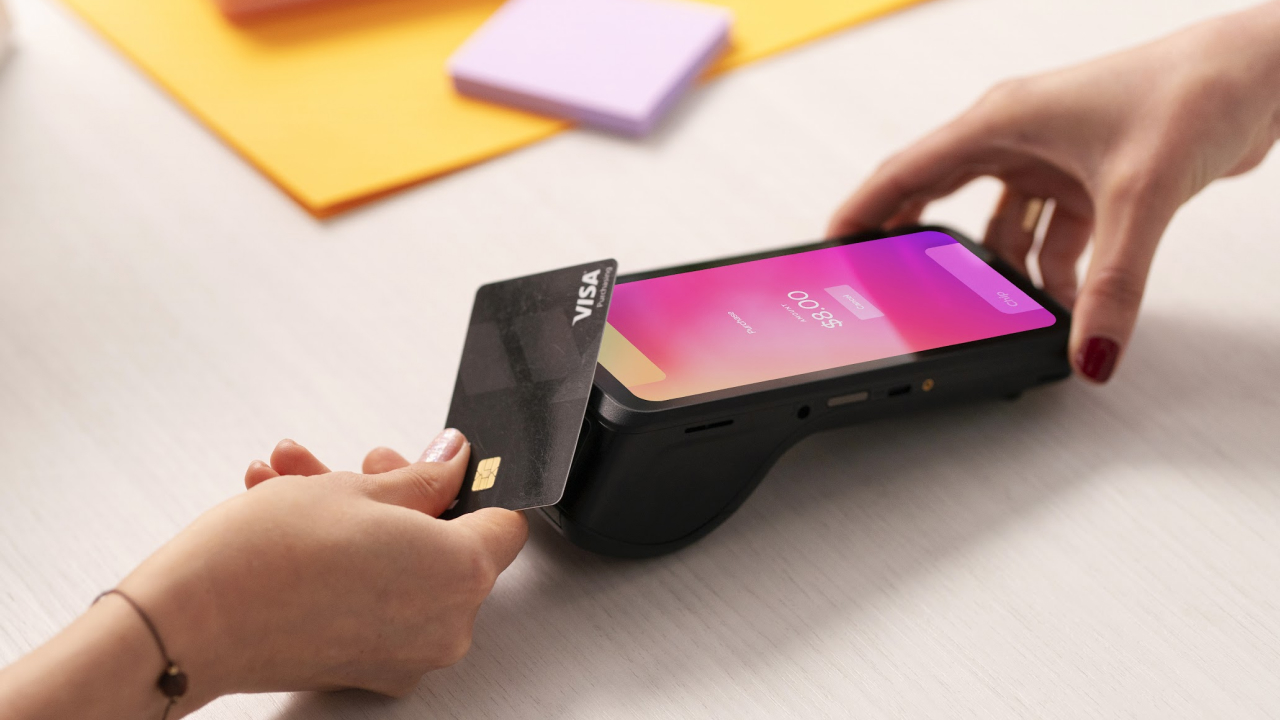
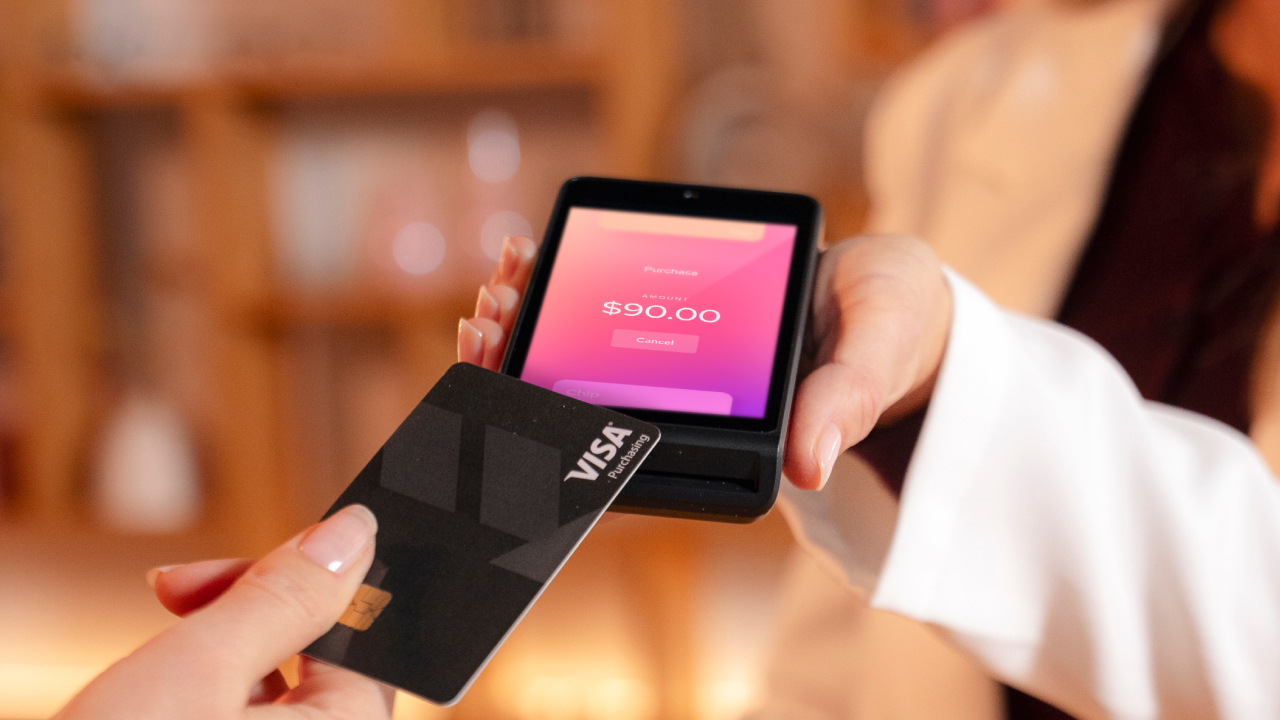
A handheld credit card terminal is a portable payment device that allows businesses to process debit and credit card transactions wirelessly.
These terminals are battery-powered and connect to the internet using Wi-Fi or cellular data. Most support chip, tap, and swipe payments, as well as digital wallets like Apple Pay and Google Pay. Because they’re not physically connected to a computer or countertop, staff can carry them throughout a store, restaurant, or service area.
For businesses that value speed and flexibility, handheld terminals make it easier to complete transactions at the moment customers are ready to pay. Devices like Helcim’s Credit Card Reader are designed specifically for this kind of mobile, in-person payment flow—without tying staff to a counter.
Is a handheld credit card terminal for you?
Before going further, it’s worth confirming whether a handheld terminal actually fits how your business operates. There are many types of POS devices and ways to get paid out there, and each serves a different purpose. Let's find out by taking our mini quiz below!
✨ What type of payment user are you? ✨
Quick, important, and scientifically accurate. wink wink
1. Where do customers usually pay for their purchases?
- A) In person, wherever the sale happens
- B) Online, after I send a link or invoice
- C) Inside my app or system
2. What would make checkout easier?
- A) Taking payment on the spot
- B) Letting customers pay on their own time
- C) Automating payments in the background
3. Your business setup is best described as…
- A) Mobile and customer-facing
- B) Remote or online-first
- C) System-driven and technical
4. Payments should feel…
- A) Fast and flexible
- B) Hands-off
- C) Fully integrated
Results
Mostly A’s? 👉 You’re likely a great fit for a handheld credit card terminal. Read on!
Mostly B’s? 👉 Online payments like invoicing or recurring billing may be a better match.
Mostly C’s? 👉 A payment integration may suit your needs best.
If you landed on A, keep reading. If not, that’s okay too. Some businesses are better suited for online payments or more custom integration with their proprietary systems. Luckily, we have other articles available for you to read about those categories. But overall, the goal isn’t to chase trends; it’s to use hardware that matches how you actually operate.
How is a handheld credit card terminal different from a traditional payment terminal?
The difference comes down to one word: mobility. Traditional payment terminals are stationary. Customers must come to the counter, even when it interrupts the buying experience or slows things down. Handheld credit card terminals flip that model. Payment happens right where the interaction happens. That matters more than it sounds. In retail, hospitality, and service-based businesses, eliminating even small points of friction can lead to smoother operations, faster checkout, and happier customers—especially during peak hours.
Why are businesses choosing handheld credit card terminals?
Businesses adopt handheld credit card terminals to reduce friction at checkout and improve operational efficiency. When payments can happen anywhere, staff spend less time managing lines or walking back and forth to a register, and customers don’t have to change locations mid-transaction. This creates a more natural buying experience—especially in industries where speed and service directly impact revenue.
Handheld terminals like the Helcim Card Reader and Helcim Smart Terminal, are especially useful for:
- Retailers assisting customers on the sales floor
- Businesses using workstations or laptops to accept in-person payments from invoices or appointment schedulers
- Service businesses collecting payment on-site
- Pop-ups, markets, and mobile sellers
How does a handheld credit card terminal work?
At a high level, a handheld credit card terminal does one simple job: it moves money from your customer’s card into your business account—securely and without fuss. While the exact flow can vary by provider, most transactions follow a similar process:
- The merchant rings in the order from the handheld terminal or a connected POS system
- The handheld terminal receives the payment prompt
- The customer taps, inserts, or swipes their card
- The terminal encrypts the payment information
- The transaction is sent via Wi-Fi or cellular connection
- The payment processor authorizes the transaction
- The payment is approved and recorded
Modern handheld terminals, like Helcim’s Card Reader and Smart Terminal, follow PCI compliance and EMV security standards to protect both businesses and customers.
What are the advantages of using a handheld credit card terminal?
A handheld credit card terminal offers practical advantages that improve both customer experience and internal workflows.
✔️Faster checkout and reduced wait times
Accepting payment at the point of interaction—rather than at a fixed counter—helps transactions move more quickly, especially during peak hours.
✔️Greater flexibility for staff
Employees can complete sales wherever customers are, rather than interrupting service to process payments elsewhere—especially when using lightweight devices like the Helcim Credit Card Reader, which are easy to carry and quick to deploy.
✔️ Improved customer experience
Customers are more likely to complete purchases when payment feels simple and convenient. Seeing transactions happen in front of them can also increase trust and transparency.
What are the disadvantages of using a handheld credit card terminal?
Handheld terminals aren’t magic. There are a few things to consider.
- They require reliable internet access for real-time processing.
- Battery life also matters—you need to keep devices charged and ready.
- And depending on whether you buy or rent the hardware, there may be upfront costs.
That said, for most businesses, these are manageable trade-offs compared to the efficiency gains.
How much does a handheld credit card terminal cost?
The cost of a handheld credit card terminal varies based on the provider and pricing model. Some providers like Square charge $449 for their handheld device, or Clover Flex at $499 USD.
Some businesses choose to purchase terminals outright, while others rent them for a monthly fee. Providers like Helcim offer a starter handheld card reader at an affordable price of $199 USD or $239 CAD or an all-in-one smart terminal at $349 USD or $429 CAD with transparent pricing and no termination fees, allowing businesses to scale hardware usage based on their needs rather than locking into long-term contracts.
When evaluating cost, it’s helpful to consider how faster checkout, improved service flow, and increased payment flexibility can offset hardware expenses over time.
How do you set up and use a handheld credit card terminal?
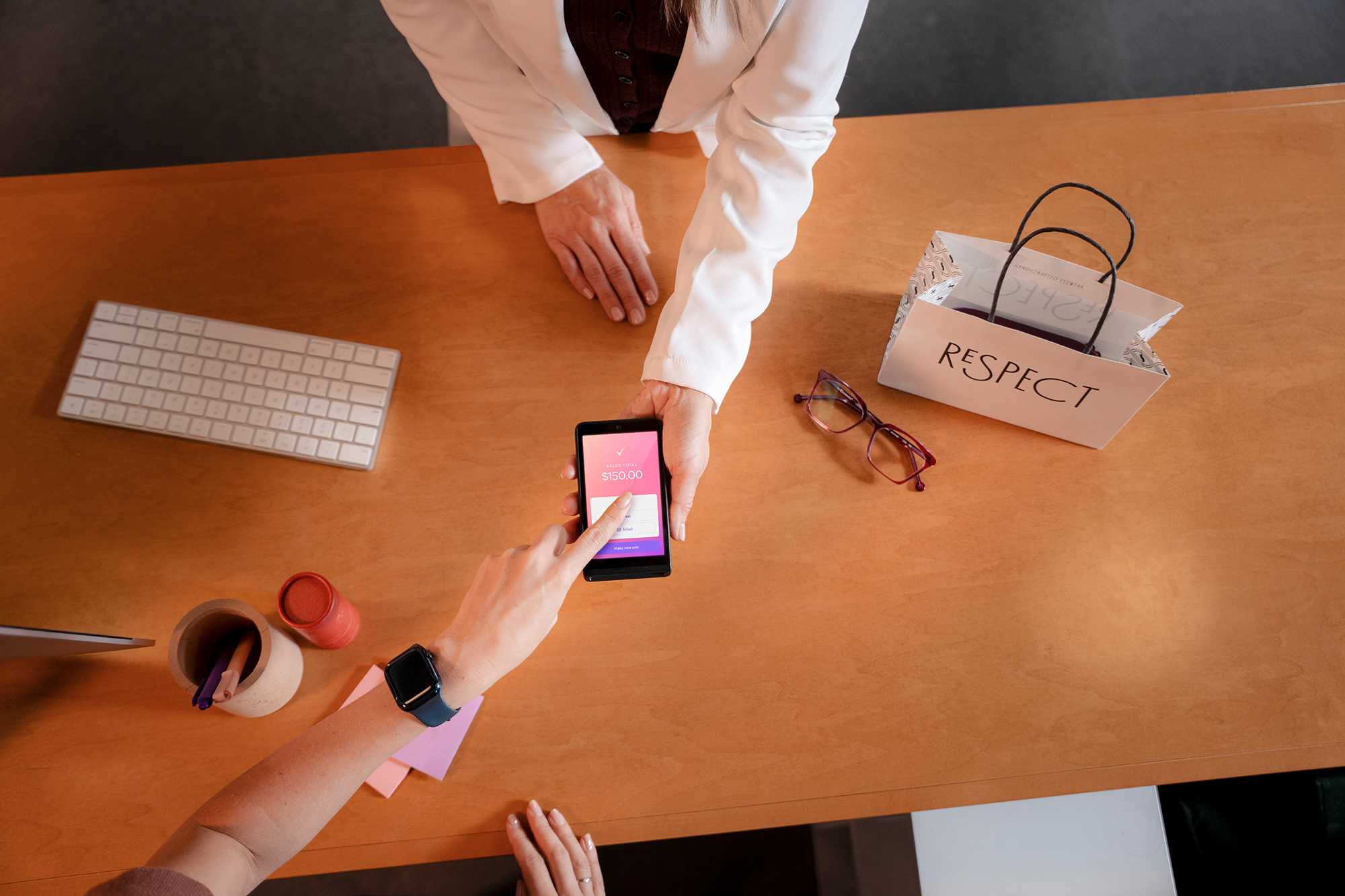
Setting up a handheld credit card terminal is typically straightforward and does not require advanced technical knowledge. Basic steps to set up a handheld credit card terminal
- Power on the device
- Connect to Wi-Fi or cellular data
- Log into your merchant account
- Run a test transaction
- Train staff on daily use
Once configured, most terminals are intuitive enough for staff to begin accepting payments immediately.
Can you connect a handheld credit card terminal to the internet?
A handheld credit card terminal requires internet connection to process payments and this can be done through Wi-Fi, an ethernet cable, or a built-in cellular data connection.
Wi-Fi is common for indoor, fixed-location businesses, while cellular connectivity is useful for mobile sales or outdoor environments. Some terminals support both, providing safety-nets if one connection becomes unavailable.
How can you get a handheld card terminal?
You can obtain a handheld credit card terminal through banks or payment providers like Helcim. Banks may offer terminals as part of a broader merchant account, while independent payment processors—such as Helcim—often provide more flexible pricing, modern hardware like the Helcim Credit Card Reader, and faster setup.
Speed up your checkout with a handheld credit card terminal
Feeling more equipped to give your customers a faster, more flexible way to pay? A handheld credit card terminal is more than just a piece of hardware—it’s a practical tool designed to accelerate your checkout and modernize your daily operations.
If your current setup creates bottlenecks or limits where you can close a sale, switching to a mobile solution like the Helcim Credit Card Reader can instantly boost your efficiency. By bringing the payment to the customer, you remove unnecessary friction and meet the high expectations of today’s shoppers.
Ready to get started? You can explore your options by creating a free Helcim account and ordering your reader directly from your dashboard.
FAQs
Can you add a surcharge on a handheld credit card terminal?
Yes, depending on your payment processor and local regulations. Some terminals support surcharging through device or account settings. Always confirm compliance and disclose fees clearly at checkout.
Does a handheld credit card terminal need internet?
Yes. An internet connection is required to process payments. Some devices support offline mode, but transactions must be uploaded later for authorization which can also expose your business to fraudulent cards.
Can you use your phone as a handheld credit card terminal?
Yes. Tap-to-phone technology allows smartphones to accept payments, but dedicated handheld terminals are more reliable for higher-volume or in-person use.
Do banks provide handheld credit card terminals?
Yes, though options may be limited. Independent payment processors often offer more flexible hardware and faster setup.
Is using a handheld credit card terminal better than accepting cash?
For many businesses, yes. Card payments are faster, easier to track, and align with how most customers prefer to pay today.
Related Articles
-
Cloud based POS systems vs. credit card machines: What’s the difference?
Jared Slemp | December 10, 2024
-
What is the best POS system for small businesses?
Feyi Oladipo | August 1, 2024