
-
Content
Last Updated on February 5, 2025 by Robert Luong
A cloud-based POS system allows businesses to process transactions online, access sales data remotely, and automate key operations. In this article, you will explore how cloud POS compares to traditional POS, its benefits and drawbacks, costs, and what to consider when choosing the right system.
By the end, you’ll know whether a cloud-based point of sale is the best fit for your business and how to get started.
What is a cloud based pos system?
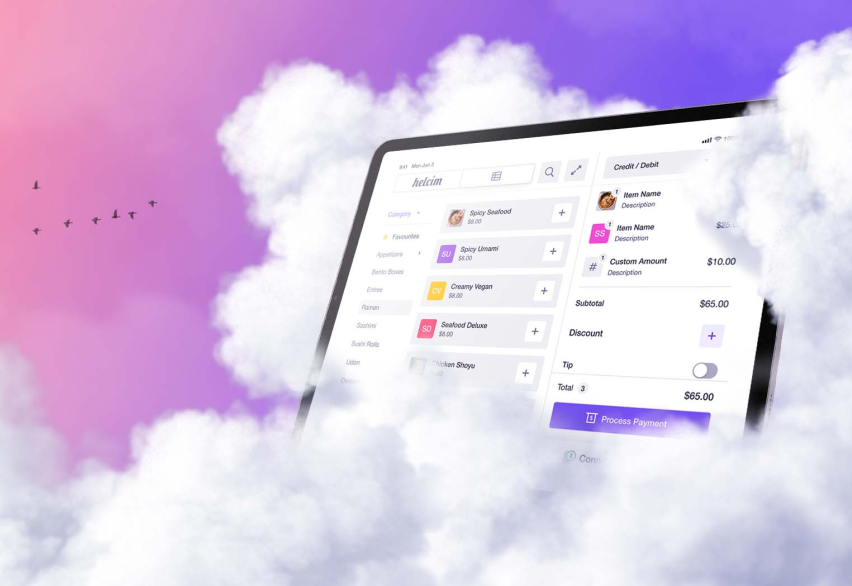
A cloud-based POS system processes payments over the internet and stores transaction data in the cloud. The cloud server is managed by the third party payment providers so that you don’t have to worry about the data security. As cloud payment systems this enables you to take payments on-the-go and store sensitive payment and transaction details offsite.
Many businesses prefer a cloud POS solution because they can use the POS system anywhere. Besides, they also don’t have to buy or rent a physical server and store the data locally.
Should you use a cloud based pos system?
If you need flexibility, remote access, and automation, a cloud point of sale is a great option. But if you require a system that operates independently of the internet and offers more customization, a traditional POS might be a better fit. Here are some key factors to consider:
- A cloud POS may be the right choice if one of the following apply to you:
- You want to run your business and access sales data, inventory, and reports from anywhere.
- You prefer lower upfront costs instead of buying an expensive server, hardware, and software.
- You need a scalable system that can easily add new locations, employees, or devices.
- You want automatic point of sale software updates without IT maintenance.
- Your business has a stable internet connection or backup solutions like mobile WiFi hotspots.
- Your business primarily operates online and doesn’t require extensive hardware.
- You are unable to store and maintain customer data securely and need a trustworthy provider to handle it for you.
A traditional POS might be better if:
- Your business operates in areas with unreliable internet and electricity.
- You require custom-built software to match specific operation needs or logistics systems.
- You handle high-volume transactions that need an uninterrupted processing system, even during outages.
What is the difference between cloud POS and traditional POS?
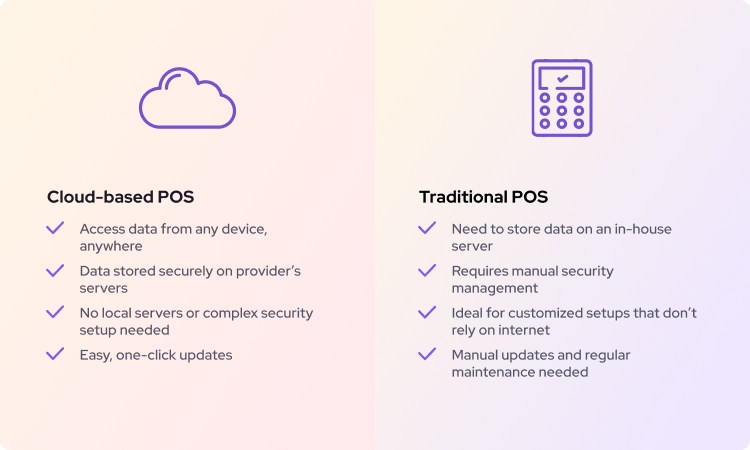
The main differences between cloud POS and traditional POS are:
- Traditional POS stores data locally; cloud POS stores it in the cloud.
- Cloud POS needs the internet for real-time syncing; traditional POS does not.
- Cloud POS updates automatically; traditional POS requires manual updates and IT support.
- Cloud POS has lower upfront costs than traditional POS.
- Cloud POS data is encrypted and maintained by the provider; traditional POS data is managed by the business.
- Cloud POS scales easily with an internet connection; traditional POS requires more setup.
Above are the main differences between cloud and traditional POS systems. But why do these differences exist and how does it impact your business? Let’s explore each one in detail.
1. Data storage difference
Cloud point of sale stores your data on secure cloud servers, letting you access sales reports, inventory, and customer details from anywhere via a web or phone app. The provider handles backups, reducing the risk of data loss or security issues.
Traditional point of sale stores data locally on a computer or server, giving you full control over reports and analytics. However, you’re responsible for manual maintenance and backups.
With a traditional point of sale, any updates to inventory, menu items, transfers, or transactions must be done on-site, making it less flexible—especially for businesses with multiple locations.
2. Internet dependency
Cloud POS relies on the internet to function and ensure that your data is always up to date across multiple devices, sales channels, and locations. Some cloud POS systems offer offline modes, allowing transactions to continue during outages, but full functionality requires an internet connection.
Traditional POS systems work independently of the internet, making them more reliable in areas with poor connectivity. Transactions are processed locally, so there’s no risk of downtime due to internet issues. However, if you have multiple locations, data may not sync automatically between them. Some businesses may still need an internet connection or manual processes to consolidate data across locations.
3. Software updates
With a cloud POS software, updates happen automatically. If you use a POS app, updates work just like updating a phone app—with a single click. New features, security patches, and performance improvements roll out without requiring IT support.
Traditional POS systems require manual updates, often needing an IT professional to install new software versions. This can lead to additional costs and downtime, especially if updates are not performed regularly.
4. Upfront costs
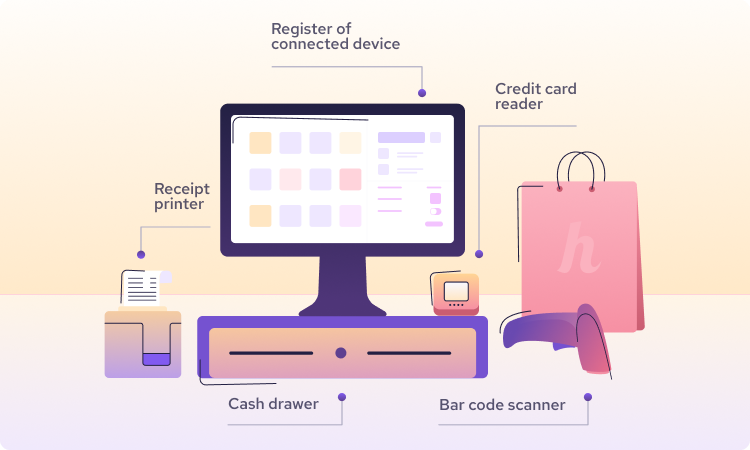
A cloud POS system refers to the online software rather than the hardware. Therefore, no matter whether you use a cloud or traditional POS, you still need to invest in hardware such as a credit card machine, cash drawer, and barcode scanner separately if you accept payment in-person.
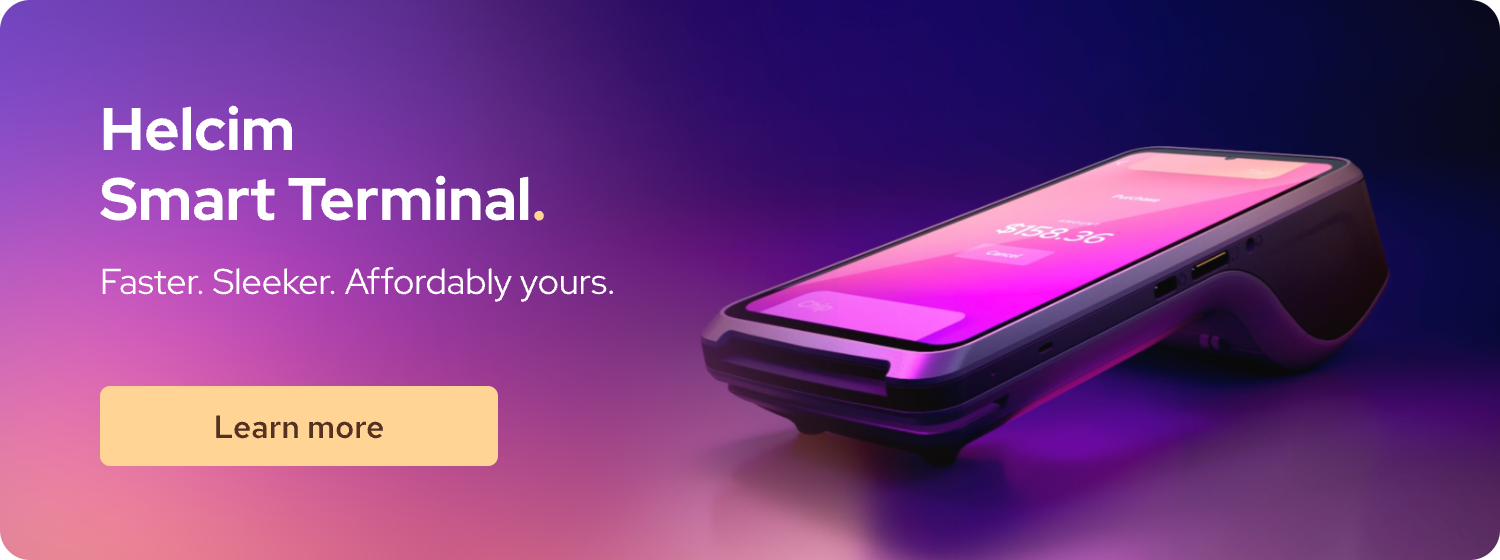
However, if you use a cloud-based POS system, you don’t need to buy or rent a physical server to store your data. Additionally, cloud POS systems like Helcim offer free payment tools such as recurring payments, a virtual terminal, invoicing, and an online store builder—features that may cost extra with a traditional POS system.
5. Data security
Cloud POS providers handle data security using encryption and secure cloud servers to protect business and customer information from theft, hacks, and cyberattacks.
In 2023, 40.2% of identity theft cases were attributed to credit card fraud. If your business uses a traditional POS, you need to secure your company and customer data against rising cyber threats. This includes implementing firewalls, backups, and security protocols to protect against theft, hacking, or hardware failure.
6. Scalability
Because everything about a cloud POS is online, opening a new store or adding an online store is simple. You just need to use the built-in integration tools in your merchant account dashboard to set up a new store or location. Any new payment hardware you purchase for a physical store will also sync with your existing account.
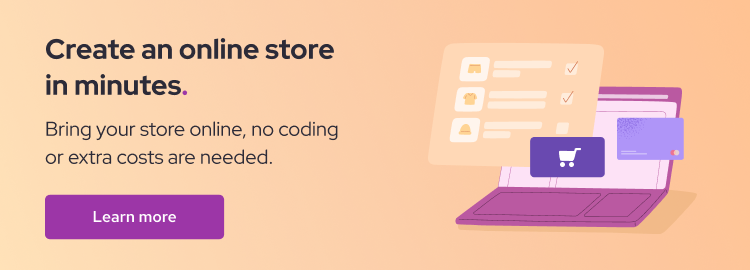
If you use a traditional POS system, you need to set up a new system at the new location and establish a connection to sync its data with your organization’s database. This requires IT resources and manual updates, leading to higher costs and longer setup times.
What are the benefits of a cloud based pos system?
Cloud POS systems are gaining popularity for their flexibility and convenience. Here’s why many merchants prefer them:
- Check sales, track inventory, and manage online orders with built-in sales software, inventory management, order management and reporting tools.
- No need for expensive local servers, plus lower upfront costs with subscription pricing.
- Download software updates with one single click—no need for IT support.
- Adding new locations, employees, or opening online stores is simple
- Cloud providers handle encryption and backups, so you don’t have to worry about hardware failures or theft.
- Many cloud POS systems include invoicing, recurring payments, virtual terminals, and online store builders at no extra cost.
- You can take payments in-store, online, or on the go with a cloud based POS.
- Many cloud POS systems work offline and sync transactions once you're back online.
Cloud POS systems are ideal for both eCommerce and brick-and-mortar businesses because you can access the system through a mobile device. Whether you're running a pop-up shop, managing multiple locations, or accepting payments at the client’s location, cloud POS allows you to do it.
The disadvantages of a cloud based pos system?
While cloud POS systems offer flexible and low-cost solution to your business, they also come with some drawbacks, such as:
- Requires a stable internet connection
- Limited offline functionality
- Lack of customization
1. Cloud based POS requires a stable internet connection
Because cloud POS relies on the internet, losing connectivity can limit its functionality or stop it from working altogether. While some systems offer offline modes, not all features—such as real-time inventory updates or syncing transactions—will be available without an internet connection.
This can be a challenge for businesses that operate on the go or set up pop-up shops in different locations. For example, if you're running a pop-up store at an event, you’ll need a strong WiFi connection to process payments smoothly.
Many event venues provide WiFi, but speeds can be unstable. A portable WiFi hotspot can be a reliable backup, allowing you to accept payments anywhere. These devices typically cost between $300 and $500 and can be a worthwhile investment for businesses that move between locations.
2. Limited offline functionality
Although many cloud POS systems have offline capabilities, they may not support all features, such as syncing inventory or processing certain types of transactions until an internet connection is restored. If your store or office loses electricity or internet connection suddenly, it can disrupt your entire operation and impact your customer relationships negatively.
For service businesses like plumbers or mobile repair technicians who collect payments at a client’s home, cloud POS still works well. They can process transactions using a POS app on their phone, relying on mobile data instead of WiFi.
3. Lack of customization
A cloud-based POS system is often designed to fit many different types of businesses. However, this makes it less customizable. If your business has a unique operation or logistics system, a cloud-based POS may not integrate seamlessly with your existing setup.
However, if your business uses popular tools like QuickBooks or WooCommerce, a cloud POS system can integrate well with those platforms.
How much does a cloud based POS system cost?
The cloud based POS system cost depends on your business operation needs.
- POS software: Free (Helcim) or from $50/month (Others)
- Payment terminal: $99 (card reader) or from $300 (smart terminal)
- Receipt printers: $30 to $600
- Cash drawers: $65 to $650
- Barcode scanners: $50 to $200
If you are a Helcim merchant, you can use the Tap to Pay on iPhone feature to accept payments directly from your iPhone. This feature helps you save on the upfront cost of a payment terminal.
Aside from hardware and software cost, your business also needs to pay for processing fees, from 2.4% to 2.9% per transaction. This fee fluctuates based on the type of card your customers use to complete transactions.

Top processors with the lowest credit card processing fees for Canadian businesses:
| Payment companies | Online fees | In-person fees |
|---|---|---|
| Helcim (interchange-plus) | 2.39% (avg) + $0.25 | 1.76% (avg) + $0.08 |
| Moneris (flat-rate) | 2.85% + $0.30 | 2.65% + $0.10 |
| Square (flat-rate) | From 2.90% + $0.30 to 3.3% + $0.15 | 2.5% |
| Stripe (flat-rate) | 2.90% + $0.30 + 0.5% for manually entered cards + 0.8% for international cards* + 2% if currency conversion is required | 2.7% + $0.05 |
| Clover (flat-rate) | 3.50% + $0.10 | 2.30% + $0.10 |
Top processors with the credit card processing fees for U.S. businesses:
| Payment companies | Online fees | In-person fees |
|---|---|---|
| Helcim (interchange-plus) | 2.49% (avg) + $0.25 | 1.93% (avg) + $0.08 |
| Moneris (flat-rate) | 2.85% + $0.30 | 2.65% + $0.10 |
| Square (flat-rate) | From 2.90% to 3.30% + $0.30 | 2.60% + $0.15 |
| Stripe (flat-rate) | From 2.90% + $0.30 + 0.5% for manually entered cards + 1.5% for international cards + 1% if currency conversion is required | 2.70% + $0.50 |
| Clover (flat-rate) | 3.50% + $0.10 | 2.30% + $0.10 |

Many POS providers charge hidden fees that you might not be aware of, such as PCI compliance fees, chargeback fees, minimum transaction volume fees, contract cancellation fees, and hardware rental fees. Before choosing a payment processor, take the time to review all potential fees to avoid unexpected costs.
How to get the cloud based POS system?
To get the cloud based POS system, you need to get a merchant account first.
1. Get a merchant account: A merchant account is a specialized bank account that allows you to accept credit, debit, and ACH/EFT payments. It acts as a bridge between your business and your customers’ banks, ensuring smooth payment processing. You can sign up for a merchant account directly through a payment processor’s website—no paperwork required. Learn how to get a merchant account step by step.
2. Order a payment terminal (if needed): If you accept in-person payments, you’ll need to order a credit card machine or card reader from your payment processor. If your business operates online, you can skip this step and move straight to setting up your business.
3. Set up your business in the POS system: Once you have your account and hardware ready, configure your POS system by:
- Adding your products or services
- Setting up employee accounts and permissions
- Importing customer details
- Configuring tax rates and receipts
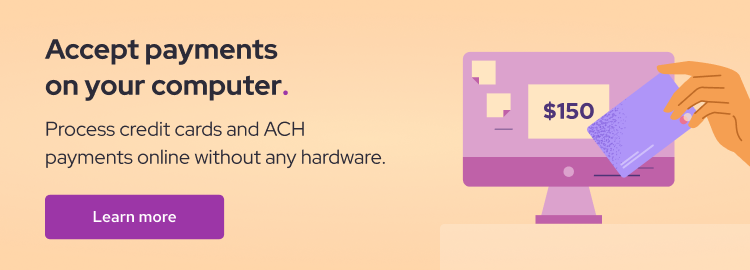
4. Activate free payment tools: Many cloud POS providers, like Helcim, include free tools such as recurring payments, a virtual terminal, invoicing, and an online store builder. Make sure to explore these features and activate the ones that suit your business needs.
5. Test the system: Before launching, process a small test payment to ensure everything is working correctly. If the transaction goes through smoothly, you’re ready to start accepting payments and running your business!
Get your free cloud-based POS system.
Still using a traditional POS system with a physical server? You could be missing out on the flexibility and powerful payment tools that a cloud-based POS offers.
Why should you choose Helcim POS?
- Free, cloud-based POS system – No monthly fees, no contracts, no long-term commitments.
- Accept payments online and in-person with free and easy-to-use tools, ensuring a smooth experience for your customers wherever they are.
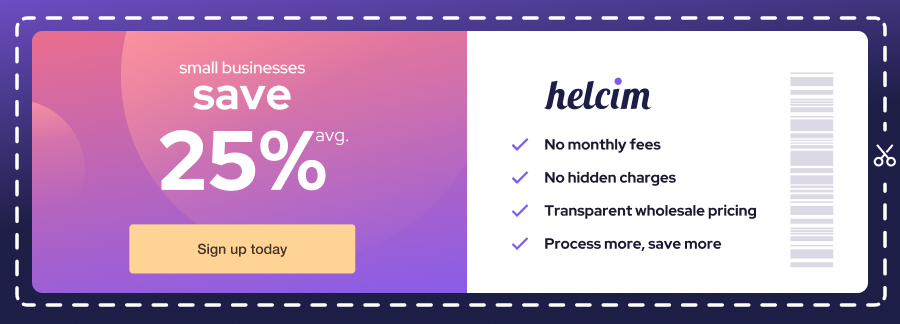
- Lowest processing fees – Save an average of 25% compared to other leading payment providers.
Stuck in a contract with another POS provider? Helcim’s Merchant Buyout Program can help you switch with ease—we’ll even cover up to $500 of your processing fees when you migrate to Helcim.
Upgrade to a better way to do business. Make the switch today!

Break up with bad rates.
Feeling stuck with your provider? We'll waive $500 of your processing fees when you switch to Helcim.
FAQ's
What does “Cloud POS ” term mean?
The term "Cloud POS" refers to the POS software, which is securely hosted and stored on the Internet. This means that you can access your POS system and dashboard from anywhere usually by logging into a POS app or laptop/ desktop computer.
What are the different types of POS systems?
There are four main types of POS systems: cloud-based POS, which operates online and allows remote access; traditional POS, which runs on local servers and works without the internet; mobile POS (mPOS), a portable system using smartphones or tablets for payments; and self-service kiosk POS, which lets customers place orders and pay independently.
What is an example of a cloud-based POS system?
An example of a cloud-based POS system is a food truck business that moves between locations. With a cloud POS, the owner can accept card payments using a laptop or tablet, update stock levels, and access sales reports from anywhere with the internet connection.
Is cloud-based POS a web-based POS system?
Yes, a cloud-based POS is typically a web-based POS system since it operates through the internet and is accessible via a web browser or a POS app.
Should a retail store use a cloud-based POS system?
Yes, a cloud-based POS system can help a retail store boost revenue by improving inventory tracking. With real-time inventory updates, retailers can avoid stockouts and increase sales. Many cloud POS systems also work with existing hardware, such as tablets or barcode scanners, reducing upfront costs. Additionally, built-in analytics and sales reports provide insights that help retail stores make data-driven decisions to maximize profitability.
Related Articles
-
iPad POS Systems: The Ultimate Guide for Business Owners
Robert Luong | October 31, 2025
-
Best Virtual Terminal - Online POS System
Robert Luong | September 12, 2024
-
Creating Your Ideal POS Setup
Nic Beique | March 8, 2022
-
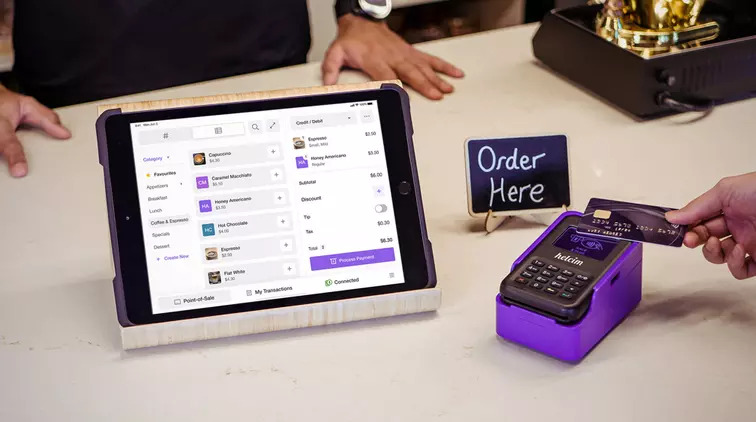
4 steps to set up and take POS purchases
Ryleigh Stangness | February 1, 2022
-
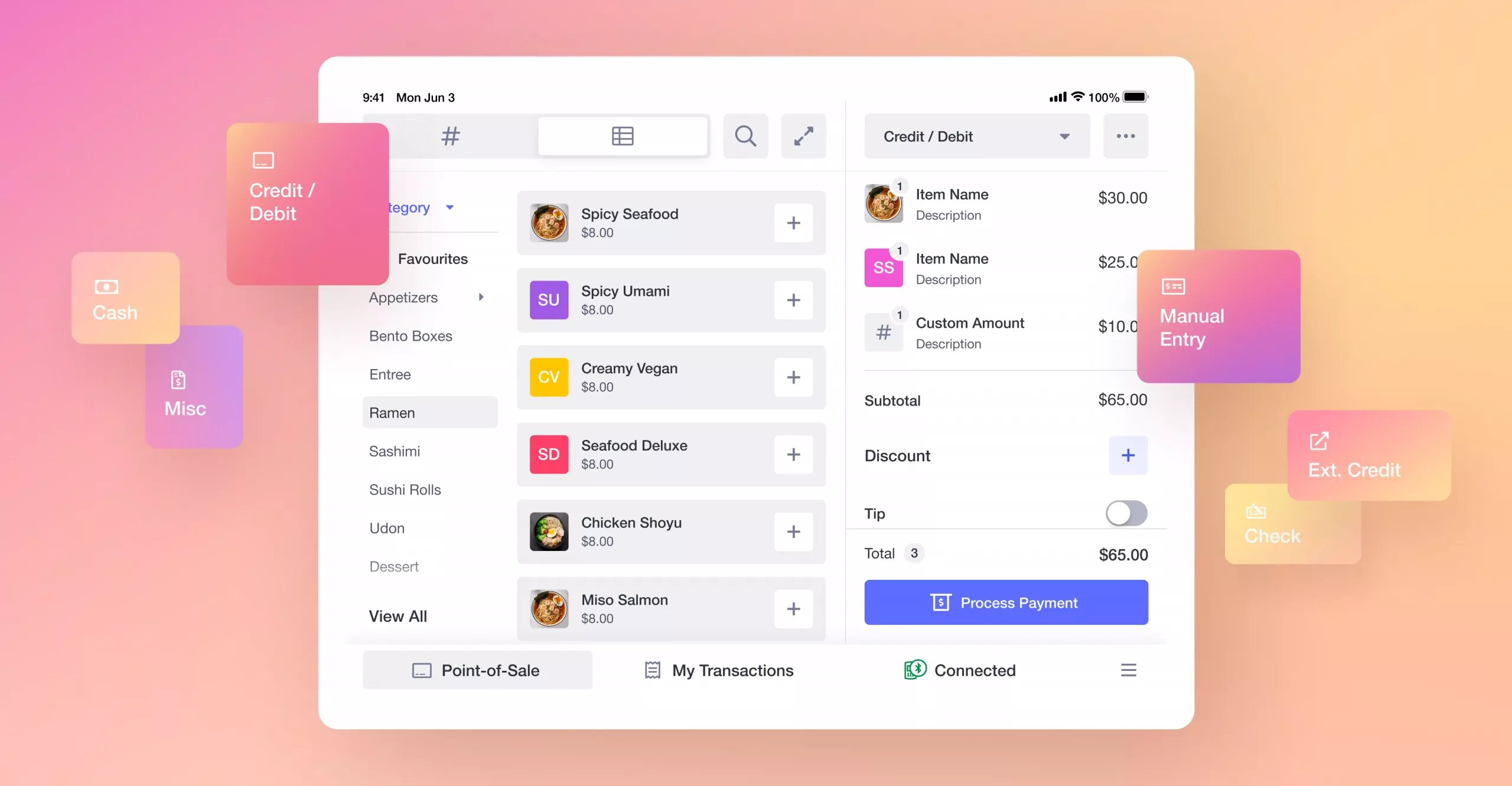
The All New Helcim POS
Danny Randell | July 28, 2021
-
What is a POS system and how does it work?
Ryleigh Stangness | April 5, 2021
-
The merchant's guide to POS equipment and hardware
Miranda Russell | December 16, 2020